
Receipt groups
Group receipts for a trip, a job or a client, with totals, GST and the work-related amount — then export the group.
From the moment you get a receipt to the day you lodge your tax return or BAS, Intelligent Receipt does the typing, the sorting and the adding up.
Take a photo of a paper receipt, choose one from your gallery or import a PDF invoice. The AI reads it in seconds and fills in the details for you to check.
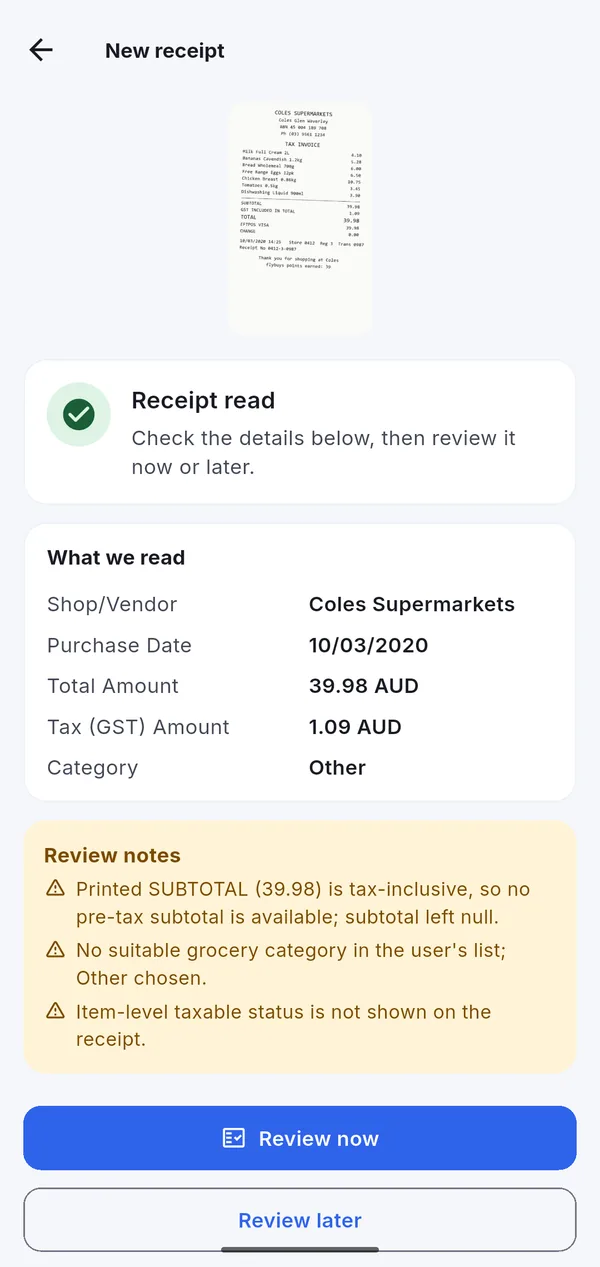
Not every receipt is on paper. Use whichever way is quickest.
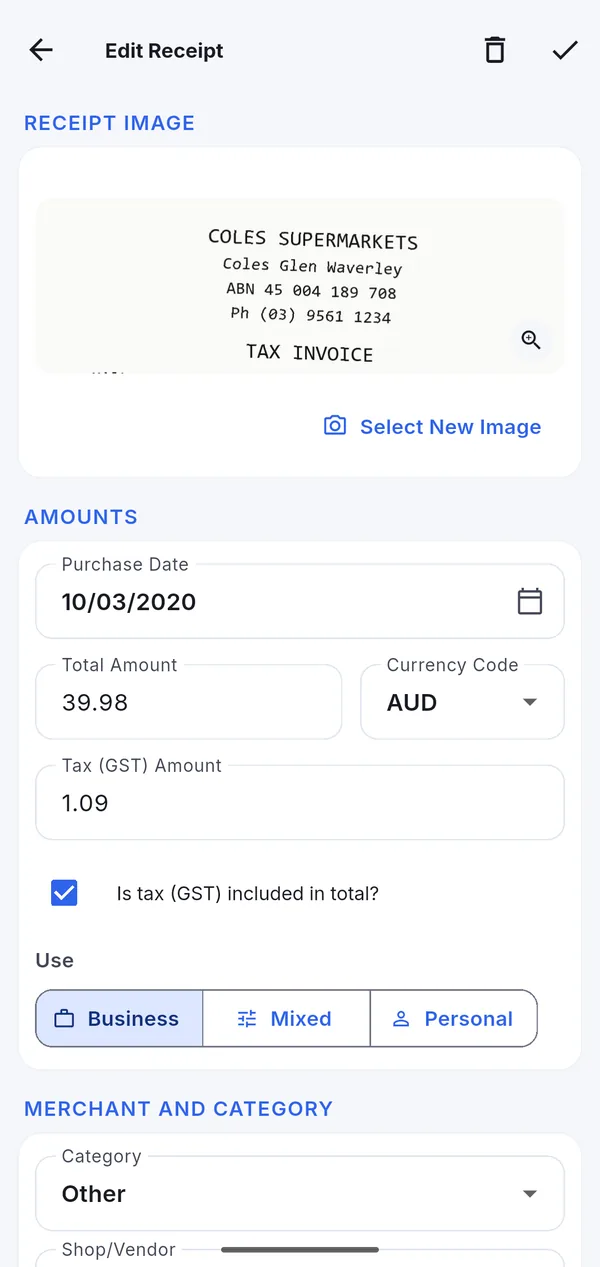
The tax return report groups your deductions the way the ATO asks for them, from D1 Work-related car expenses to D10 Cost of managing tax affairs.
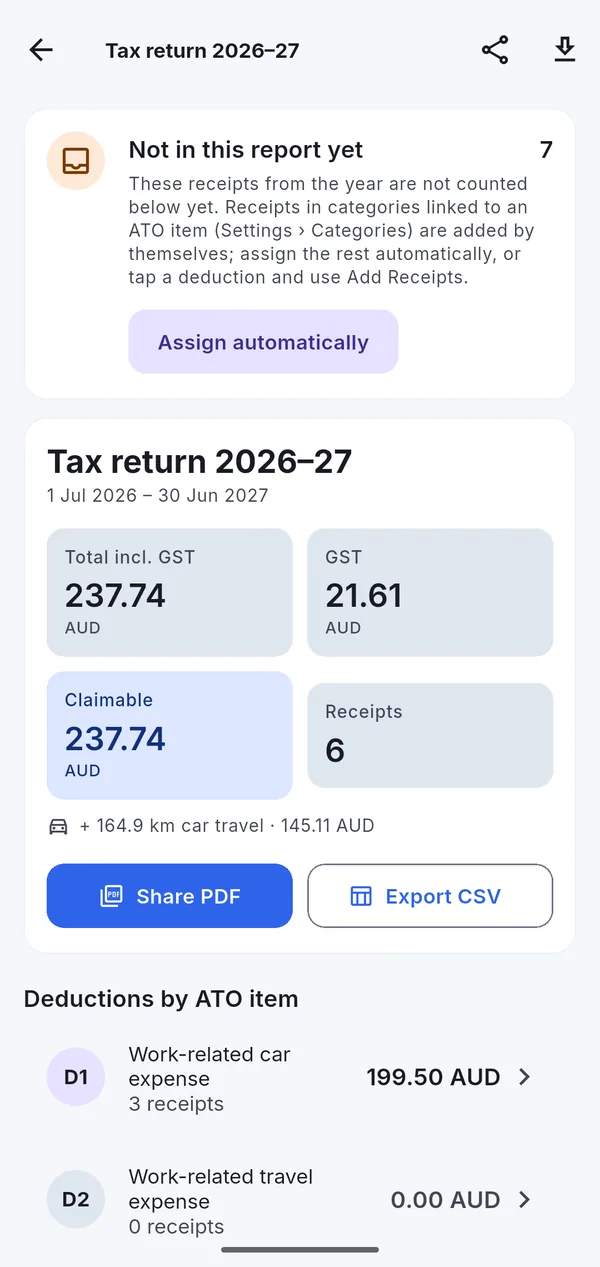
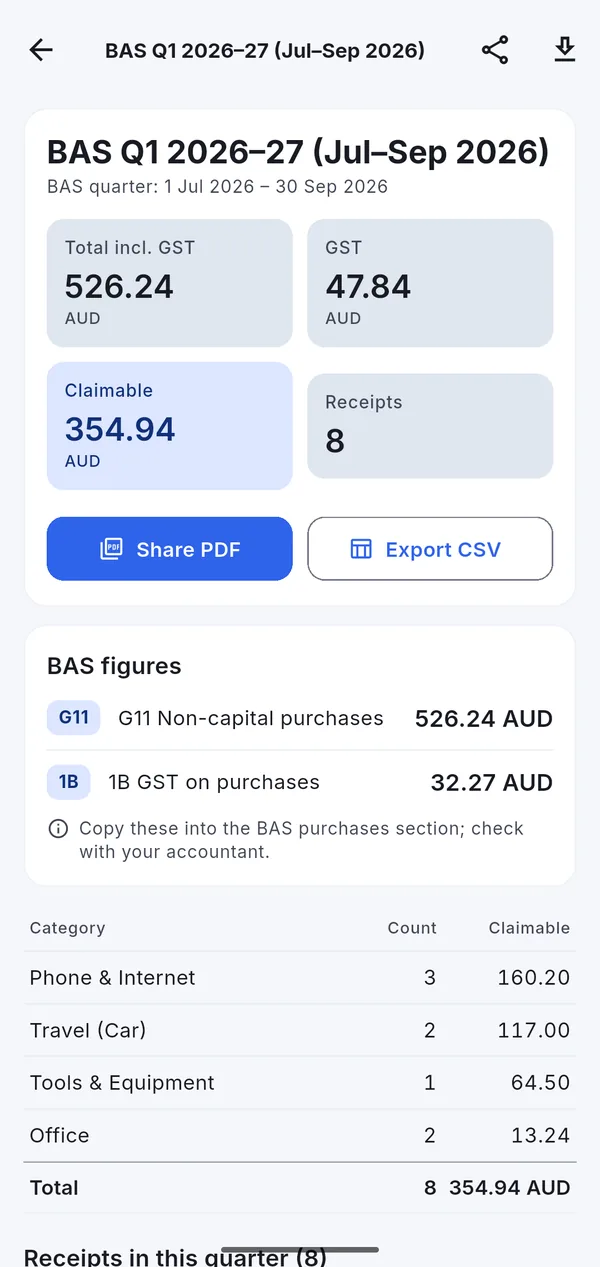
Each receipt records its GST, whether prices included GST, and how much was for business. The quarterly report turns that into the purchase figures for your Business Activity Statement.
See our guide to GST and BAS for sole traders.
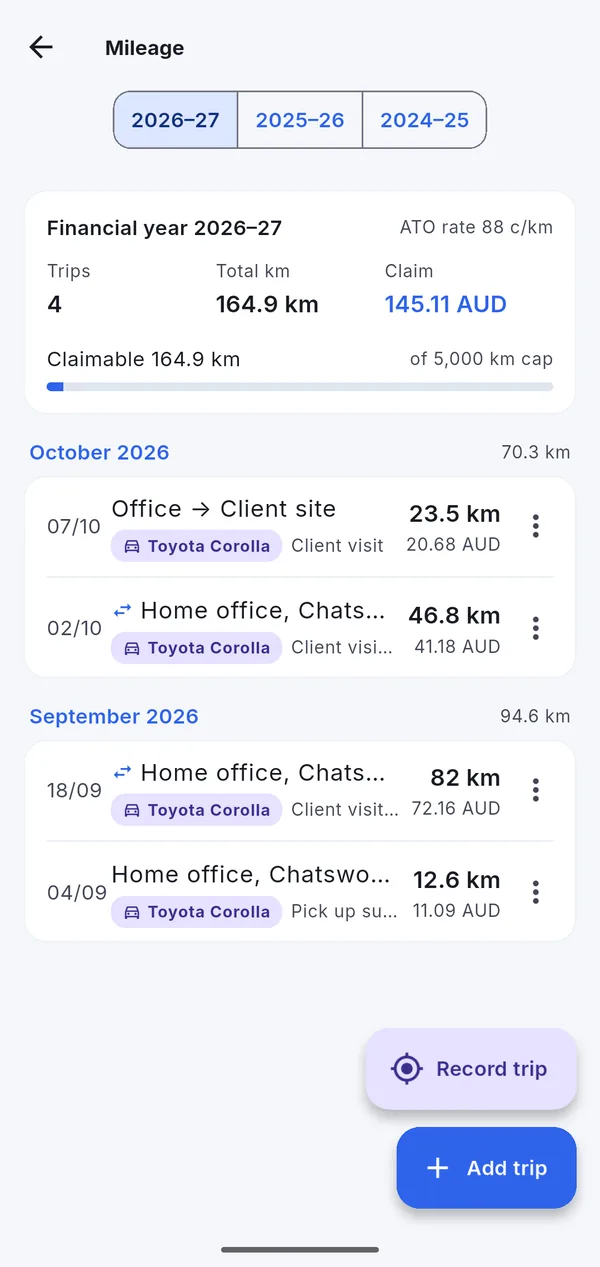
Record work trips with GPS, or add them afterwards with a start, destination and distance. Return trips double automatically.
How the method works: car expenses with cents per kilometre.
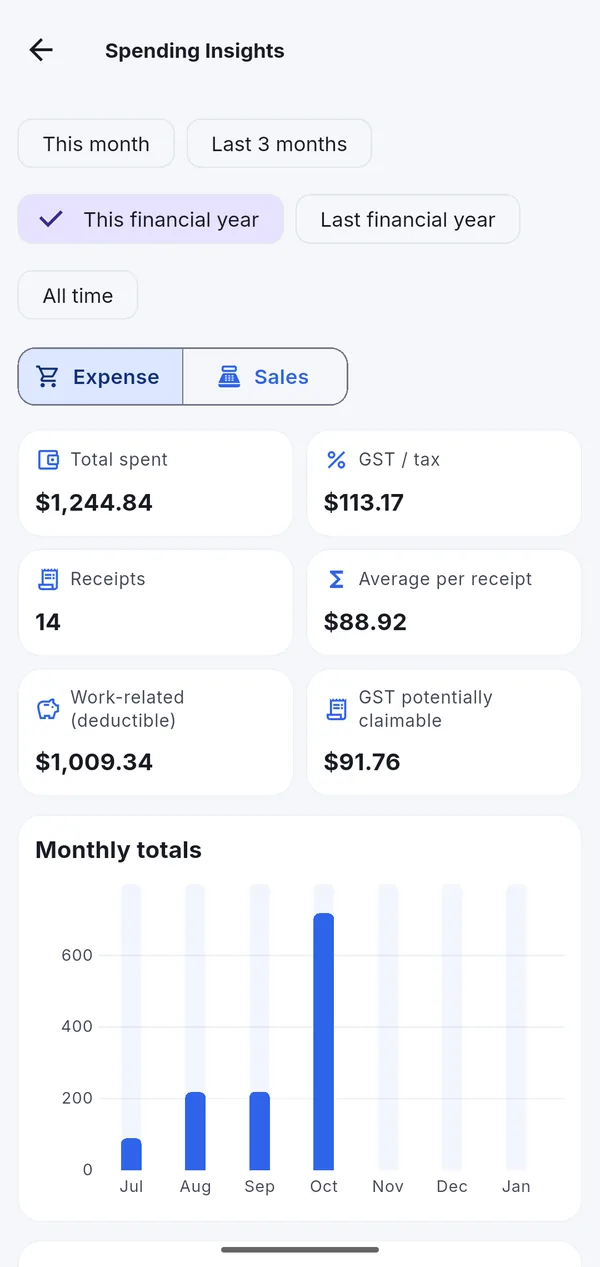
Group receipts for a trip, a job or a client, with totals, GST and the work-related amount — then export the group.
Bills import files for Xero, QuickBooks (AU/UK) and MYOB AccountRight, with your account codes per category.
A receipt in US dollars or euros keeps its original amount and is converted to AUD at the exchange rate for its date — or the amount your bank actually charged.
Find any receipt by shop, product, notes or amount; filter by date range, category, bills or unpaid.
Rename, add and link categories to ATO items and accounting accounts. Sensible defaults to start.
Move old receipts out of the way by month. They still count in your reports and can be restored any time.
Download everything — every receipt, photo and PDF — in one ZIP file, on any plan. Your data belongs to you.
The whole app is available in English and Simplified Chinese, in light and dark themes.
Stored in Sydney, never sold, no ads. Delete your account and data from the app at any time. Privacy policy.
Start on the Free plan with 10 AI scans a month. Upgrade only if you need more.