
How Intelligent Receipt works
A receipt takes about 15 seconds. Tax time takes minutes instead of a weekend. Here is the whole journey.
Capture the receipt — any way you like
Tap Scan to photograph a paper receipt, Import to pick a photo or PDF invoice, or Voice to describe a purchase. Tax Pro members can also forward email receipts to their own address. The original photo or PDF is kept with the receipt.
Paper receipts fade. Capture them on the day and the record is safe for the five years the ATO asks you to keep it.
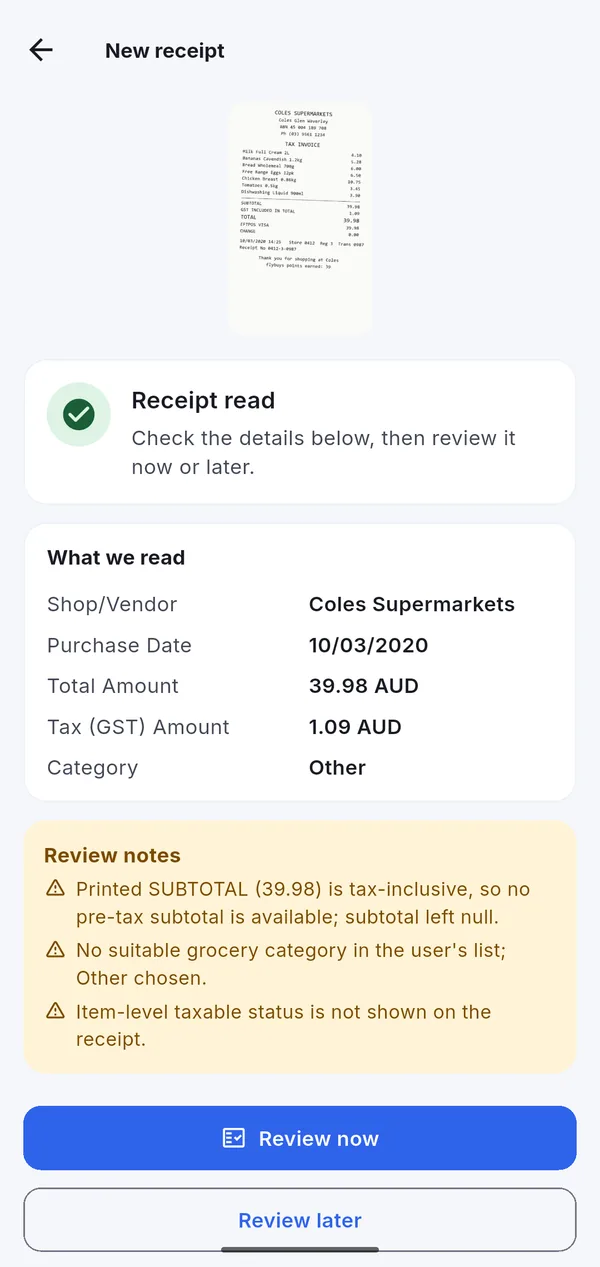
Check what the AI read
Within seconds the receipt shows what was read: shop, date, total, GST and the suggested category, plus review notes on anything unusual. Correct anything that is off, choose Business, Personal or Mixed use, and save.
Mixed receipts can be split: half a hardware docket as tools for work at 100%, the rest as household items at 0%.
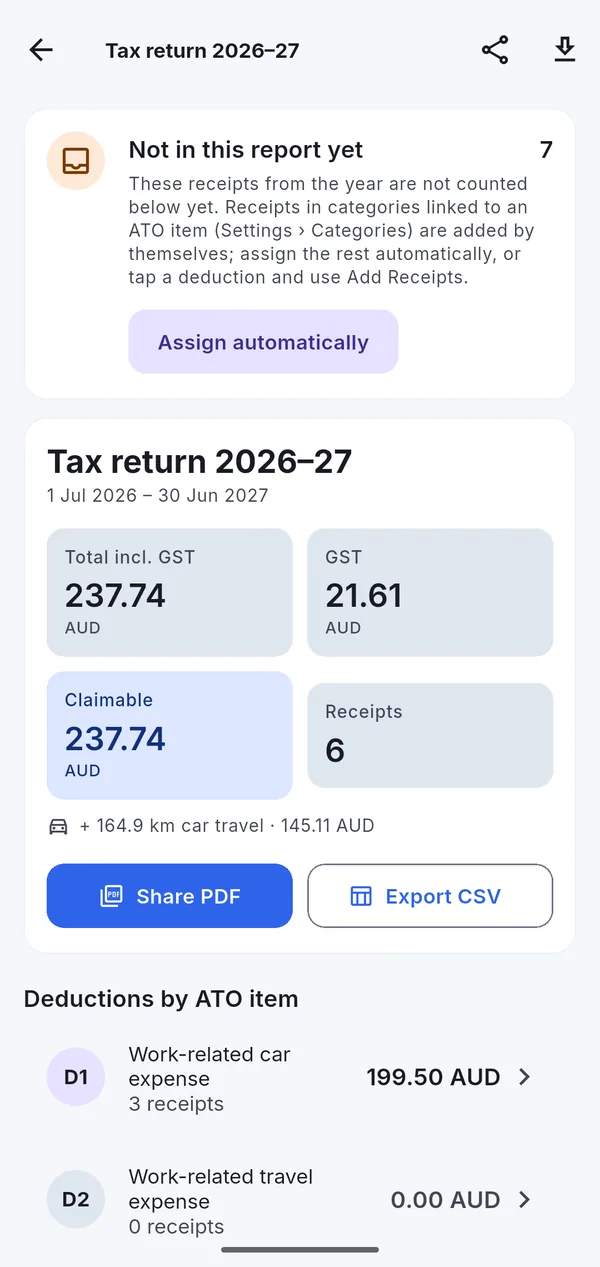
It files itself into your tax return
Categories can be linked to ATO deduction items: Travel (Car) to D1, Travel to D2, Office and Equipment to D5, Interest to D7. Every receipt in a linked category is added to that item for its financial year as soon as it is saved. Anything else is one tap away with Assign automatically.
Car trips from the mileage log are added to D1 at the cents-per-kilometre rate.
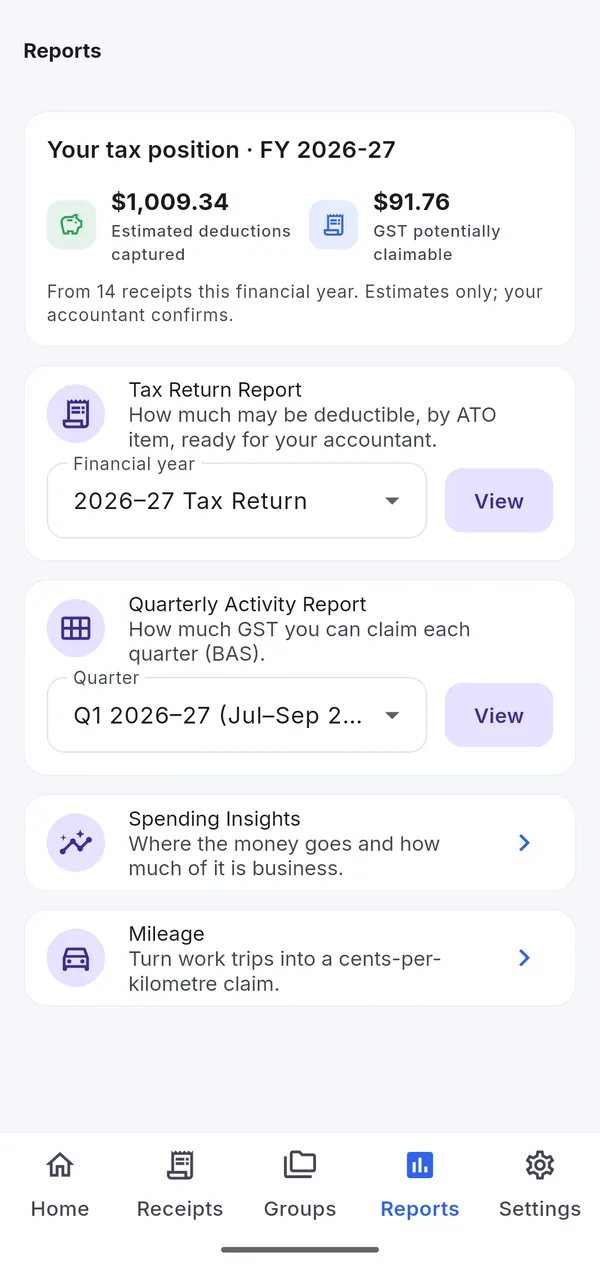
Share the reports at tax time and every quarter
Open Reports for your tax return by financial year or your BAS by quarter. Share a tidy PDF or CSV with your tax agent, or export bills to Xero, QuickBooks or MYOB with the receipt images in a ZIP.
Your accountant gets complete, organised records — which usually means less time, and a smaller bill.
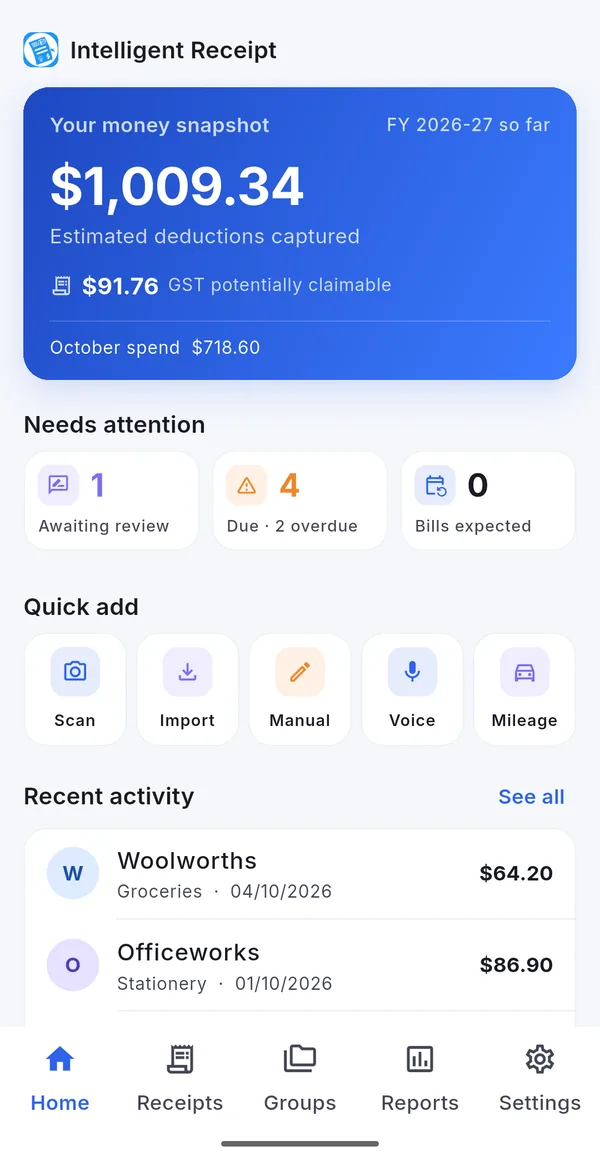
Start with your next receipt
Free to download, free to start. Ten AI scans a month on us.